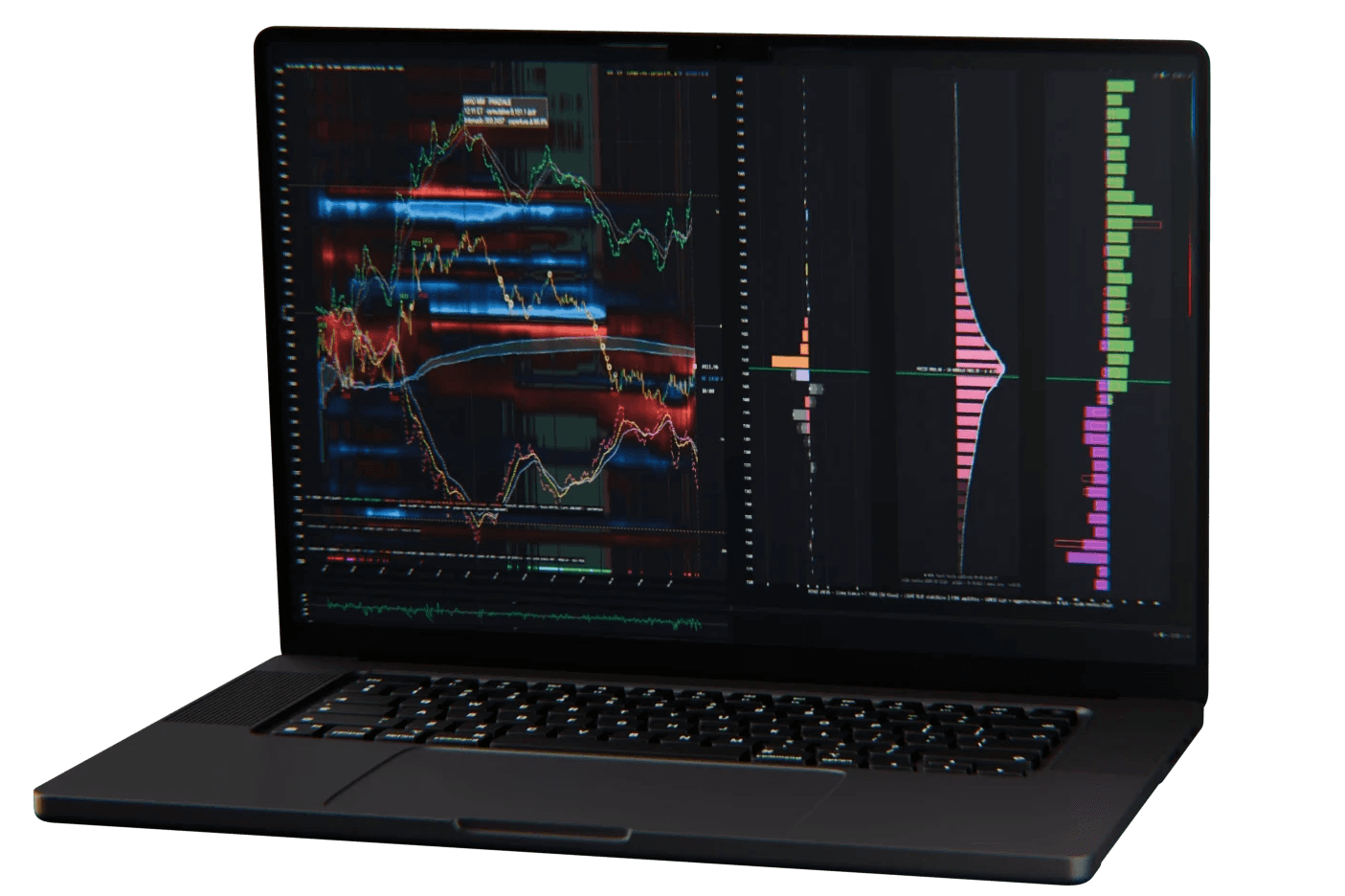


After a great launch, we’ve spent the first quarter listening carefully to your feedback and worked to deliver this first of many updates to the features of our deepchart software.
This update delivers a broad set of improvements across multiple functions and features including: execution, charting, risk management, indicators, broker connectivity and replay.
Below is a detailed overview of the changes included in this version.
Main Features Summary
New money management & Portfolio interface;
New "Profile Chart" component, dedicated chart for TPO (which has several improvements as indicator too) and Volume Profile analysis
New Trailing Stop Function;
New Auto breakeven Function;
New Automatic analysis for Big Trades Size;
New Visual Options for Big Trades;
Auto-backtesting feature for Deep Pattern Builder
Improved Connectivity;
Overall performance enhancement;
Connectivity Updates
General Update on Interactive Broker & CQG latest API connections;
Enhanced order modification on both IB & CQG (now natively integrated);
Possibility to create server side OCO group on both IB & CQG;
Server side OCOs are now available also on CQG (some API limitations are still present on multiple take profits);
For trading connections, the net contract position (size, price & P/L) of the entire portfolio can now be chosen to be sourced directly from the Connection (broker or feed) or calculated by deepchart based on average price (like in previous versions) through a “Portfolio Mode” toggle inside of each Connection Settings;
Trading & Execution
Position size calculator directly from the Trading Panel, which allows a faster submission/execution compared to the Buy/Sell calculator;
Available Client-side OCO groups on existing orders if not supported Server-side;
Possibility to display Daily P/L and Open P/L in ticks on the trading panel instead of a simple monetary value (settable from Options > Settings);
A new “Breakeven” button is added on the Trading Panel. This will either edit the existing stop orders, moving it to the current average trade price or will add a new stop order if there’s none yet;
Possibility to set the “Breakeven” button to be placed a custom amount of ticks above the entry price (settable from Options > Settings);
New settable Hotkeys (Keyboard Shortcuts) for Buy Bid, Sell Ask and Breakeven;
If orders are set as displayed on-chart, the Entry and Exit levels are now linked with a dotted line;
Commissions for filled orders are now automatically taken into account for strategy report (directly sourced from Trading Connection Provider);
In Trade Copier, you can now set any connection (brokers included) as a parent account;
Charting & Drawings
New possibility to select and customize pre-set Timeframes on the chart;
Vertical scroll when using mouse wheel over the Y Axis;
Y axis price level is now rounding to tick size on drawing tools (line, rectangle, etc);
Possibility to enable rectangle mid/line on drawing;
Possibility to lock annotations;
Shortcut to clone drawing;
Toggle to hide/show all the drawing tools on the chart;
Free drawing annotation (pencil);
Indicators
New drawing-tool indicator: Anchored (or Fixed Range) Developing VWAP directly from the toolbar;
New possibility to filter out Peak/Valley only from outside the Value area in the Deep Profiles;
Inside of the Deep Print indicator you can now customize the size and proportion of each footprint: Relative to bar (as in previous versions), Manual Value, Automatic Value;
You can now add background marker on the Delta Divergence Indicator;
Replay
New Hotkey option (Keyboard Shortcut) to Play and Pause the replay;
New x400 speed button added;
Possibility to manually type and set a specific speed number or change it with control buttons.
Various
Possibility to customize the drawing tools button visible on the chart toolbar;
Improved touchpad / gestures management for a smoother experience on laptop or MAC (parallel)
Fix of a potential conflict with some east EU languages/countries
Final Notes
This update focused on practical improvements, new indicator tools, enhanced footprint and big trades features, execution robustness and versatility and workflow efficiency across the platform.
As always, feedback from active users continues to guide ongoing development.
We’ll keep working to keep the platform up-to-date with your requests and innovate with new functionalities and features.

Antonio Sartorello
·
Share this on
