Updated:
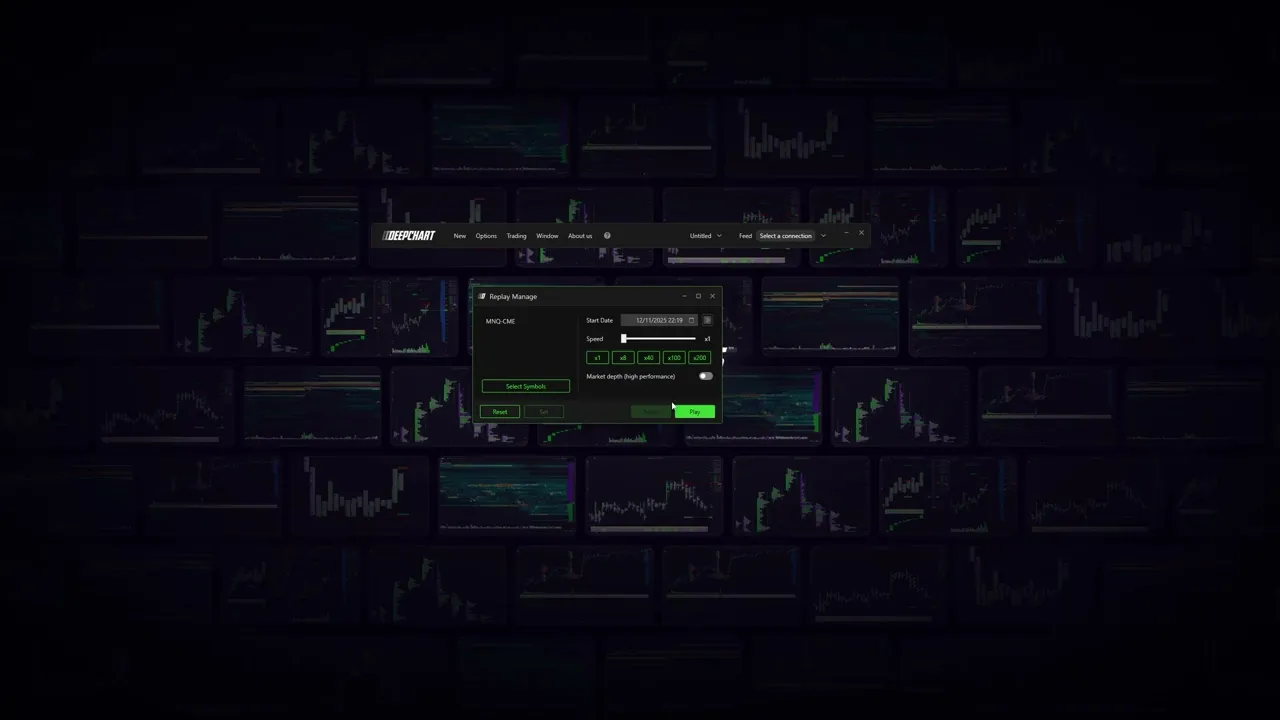
Apri il software Deepchart
Assicurati di non essere connesso ad alcun Data Feed. E chiudi qualsiasi grafico dei prezzi.
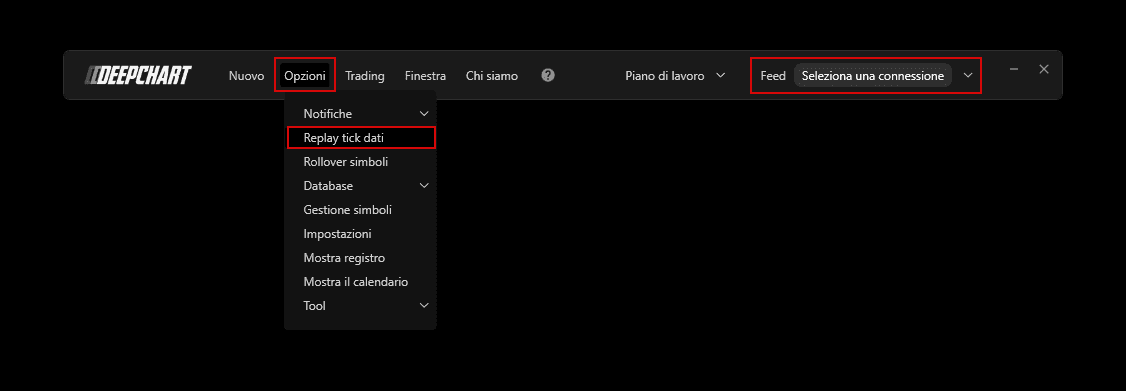
Vai su Opzioni > Replay Tick Data
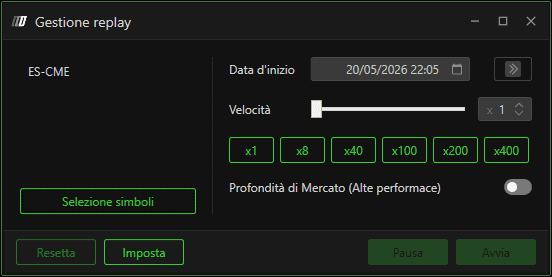
Impostazioni di Replay Manage
Premi Select Symbols per selezionare il tuo exchange preferito
Per impostare data e ora, fai clic sull'icona del calendario e seleziona / inserisci la data e l'ora desiderate.
Premi Set.
Torna al software Deepchart (assicurati di avere Replay Manage aperto) e apri un nuovo grafico (Nuovo > grafico prezzi) per l'exchange che hai impostato in Replay Manage.
Seleziona Riproduci e vedrai il tuo grafico riprodurre i dati.
Puoi accelerare il tempo di riproduzione spostando il cursore della velocità o selezionando le opzioni di velocità predefinite.
