Updated:
Overview
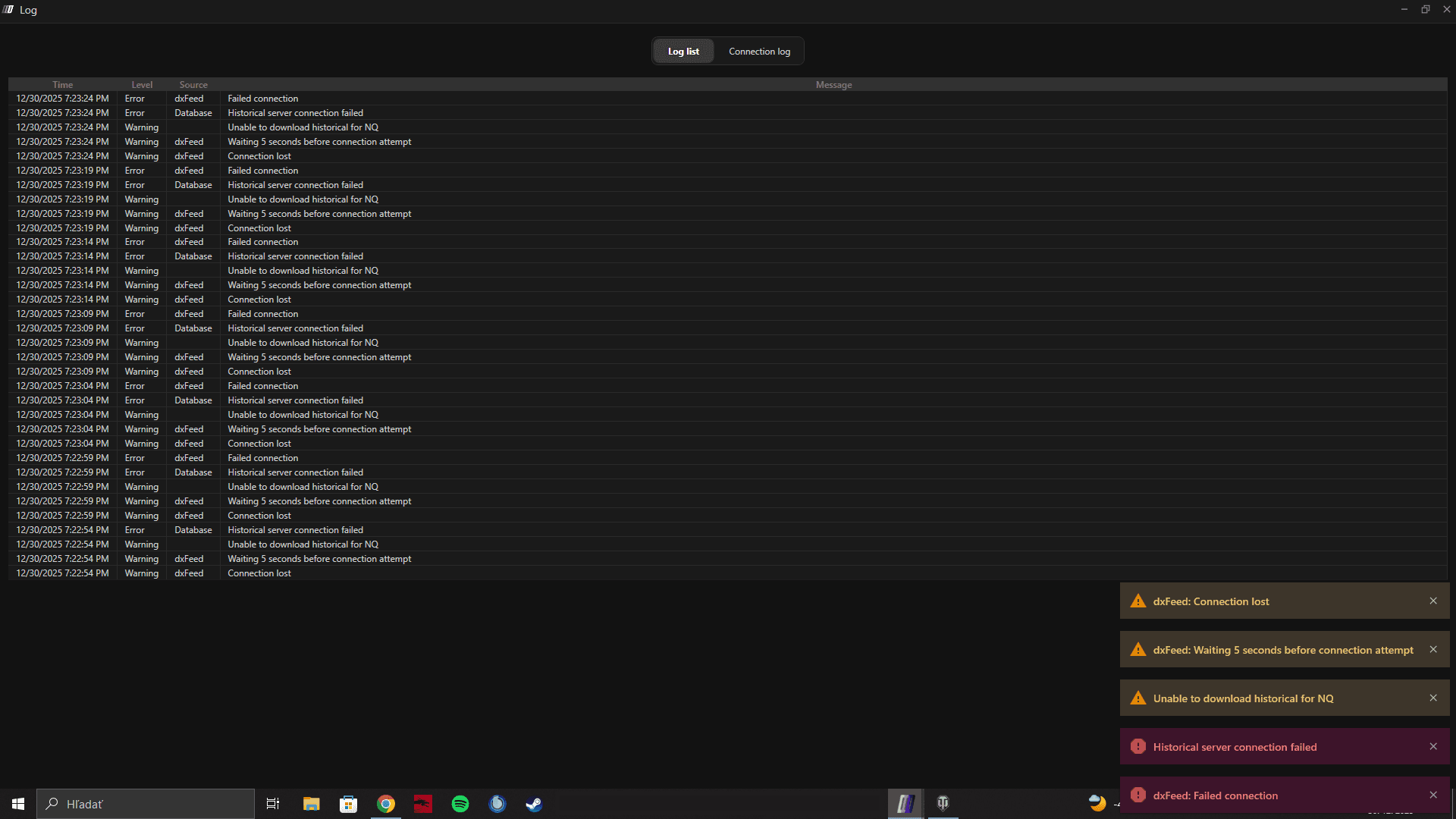
In this issue, the data feed connects successfully, but as soon as you open a chart, the connection drops and the platform shows multiple warnings or error messages.
This behavior is usually caused by network instability or Windows regional/language settings.

Common Causes
Cause 1: Unstable or Interrupted Internet Connection
Even brief network interruptions can cause the feed to disconnect when chart data starts loading.
Cause 2: Windows Language or Region Not Set to English (US)
Some data feeds and charting components require:
Windows display language: English
Region format: United States or English-based region
Incorrect regional settings (date, number, or decimal formats) can cause parsing errors when loading chart data, resulting in a disconnect.
Solution 1: Refresh Your Internet Connection
Disconnect from your current network
Reconnect to the internet (or switch to a stable wired connection if possible)
Restart DeepChart
Try opening the chart again
If the issue persists, proceed to Solution 2.
Solution 2: Change Windows Language and Region Settings
Step 1: Set Windows Language to English
Go to Windows Settings → Time & Language → Language
Set Windows display language to English
Step 2: Set Region to United States (or English Region)
Go to Windows Settings → Time & Language → Region
Set Country or region to United States (or another English-supported region)
Step 3: Restart Your PC
After changing language or region settings:
Restart your computer
Launch DeepChart
Connect the data feed
Open the chart again
Official Microsoft Guide
You can follow Microsoft’s official instructions here:
Important Notes
This issue occurs after connection, specifically when chart data starts loading
It is commonly related to regional number/date formatting
Restarting the PC after changes is mandatory
Prevention Tips
Keep Windows language set to English
Use US or English-based regional formats
Ensure a stable internet connection before opening charts
