Updated:
Overview
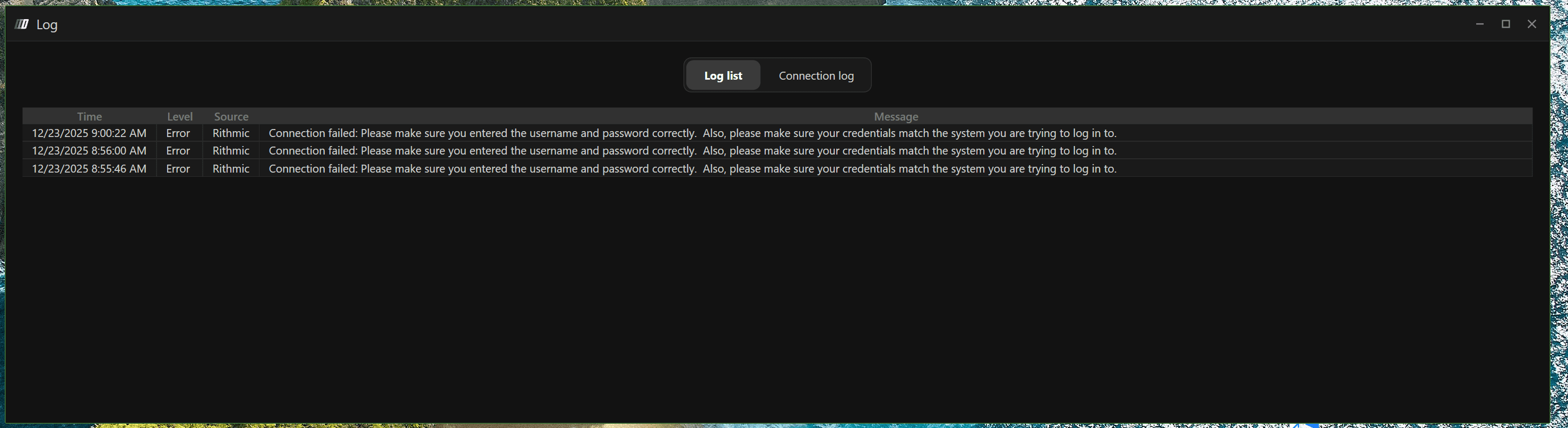
This error occurs when DeepChart cannot authenticate your Rithmic credentials. It usually indicates an issue with either the login details or the selected Rithmic gateway.
The most common causes and their solutions are explained below.

Possible Causes
Incorrect username or password
Extra spaces copied with credentials
Incorrect Rithmic gateway selected for your account type
Cause 1: Incorrect Username or Password
Description
If the username or password is entered incorrectly, Rithmic will reject the connection.
Solution
Carefully copy and paste the username and password
Make sure there are no extra spaces at the beginning or end
Avoid manually typing credentials if possible
Re-enter the credentials and try connecting again
Cause 2: Incorrect Rithmic Gateway Selected
Description
Rithmic requires you to connect using the correct gateway, which depends on the type of account or data feed you are using.
Gateway Selection Guide
1. Live Broker Account
If you have a live brokerage account, select one of the Rithmic live gateways (as highlighted in the image above).
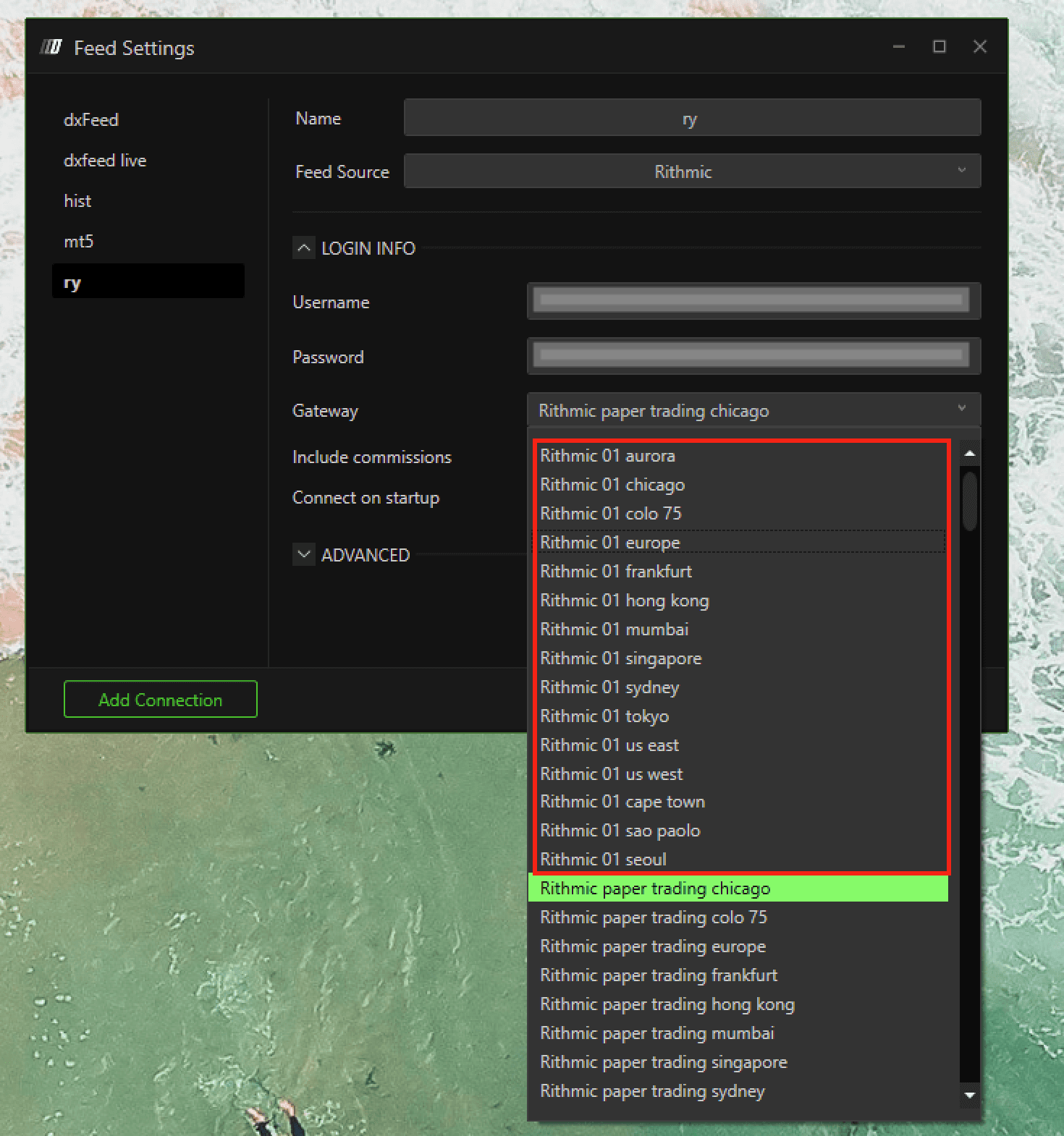
✅ Use this only for live funded broker accounts.
2. Rithmic Data Feed Only (Purchased Separately)
If you purchased Rithmic market data only (from DeepChart or directly from Rithmic), you must use:
Rithmic Paper Trading Gateway
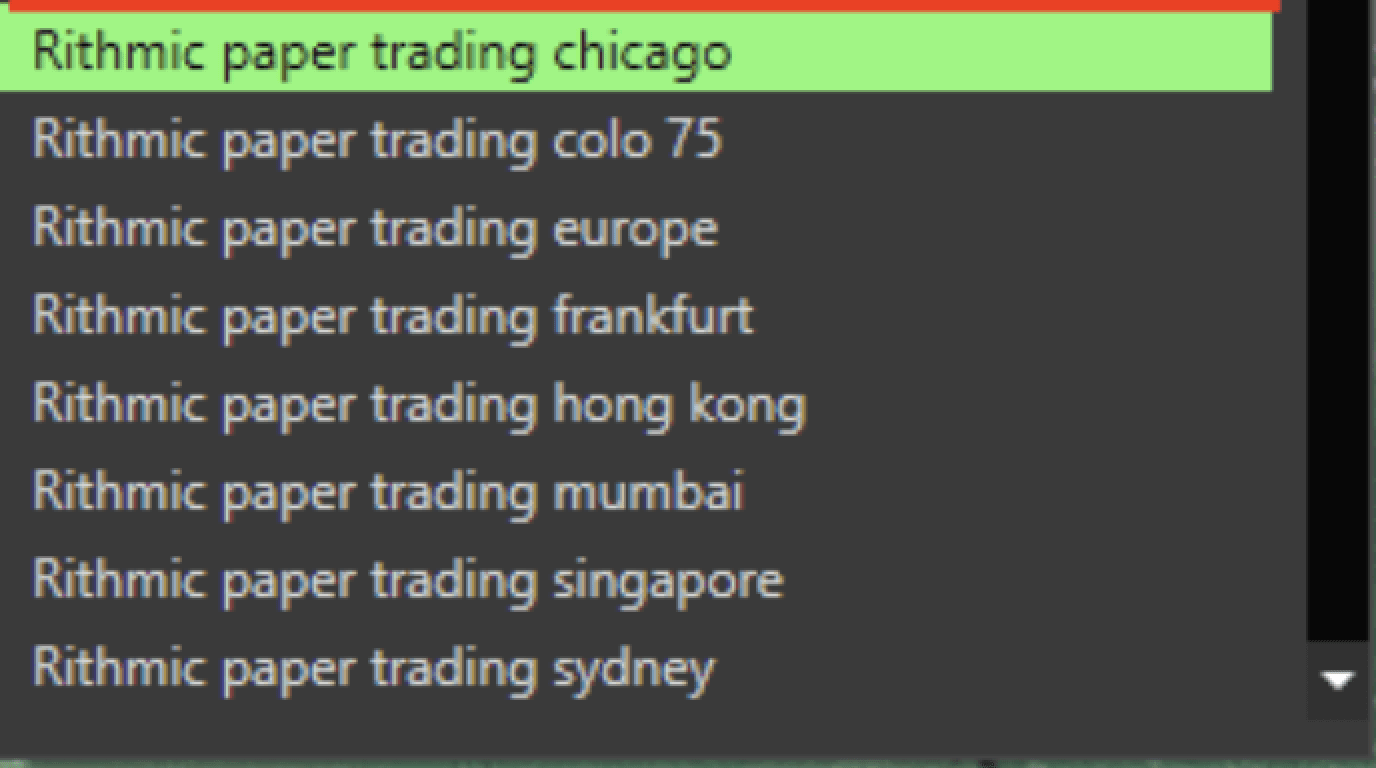
✅ This applies when you do not have a live broker account.
3. Prop Firm Account
If you are using a prop firm account, there are two possible cases:
Option A: Prop Firm Listed in Gateways
Look for your prop firm’s name in the gateway list
If available, select it and connect
Option B: Prop Firm Not Listed
If your prop firm name is not available in the gateway list, the firm is using:
Rithmic Paper Trading GatewaySelect the Paper Trading Gateway and connect
Final Checklist Before Connecting
✅ Username and password entered correctly
✅ No leading or trailing spaces
✅ Correct gateway selected for your account type
✅ Internet connection is stable
Notes
This is an authentication or configuration issue, not a DeepChart bug
Using the wrong gateway will always result in login failure
When in doubt, confirm gateway details with your broker or prop firm
