Updated:
Il Divergence Detector di DeepChart evidenzia qualsiasi divergenza di volume o delta tramite etichette direttamente sul grafico. L'indicatore identifica una divergenza di volume quando viene segnato un nuovo massimo o minimo relativo senza un corrispondente aumento dei volumi; allo stesso modo identifica una divergenza di delta quando viene segnato un nuovo massimo o minimo relativo senza un corrispondente aumento/diminuzione del delta cumulato. Situazioni del genere possono configurarsi come falsi breakout, segnalando possibili inversioni.
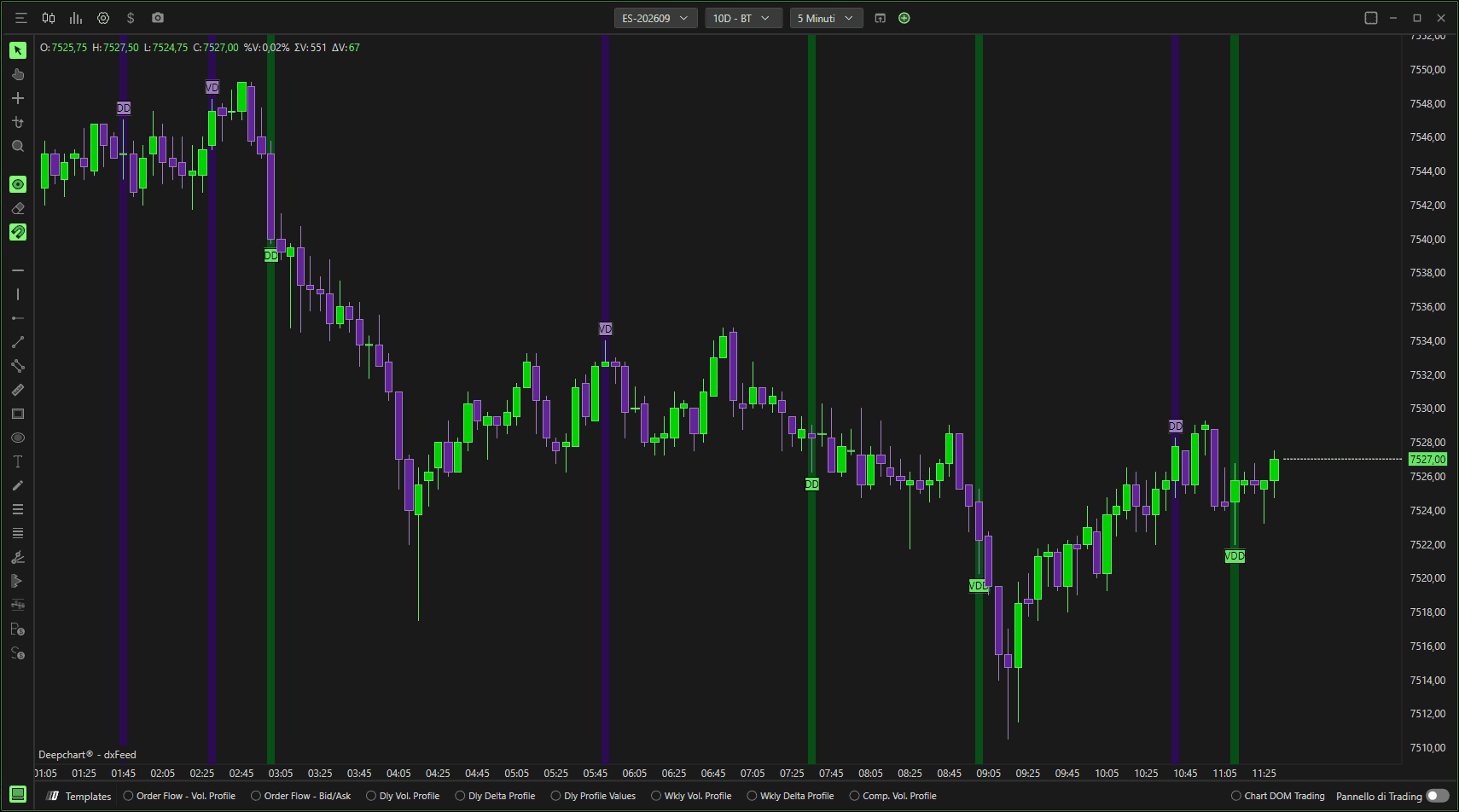
Generale
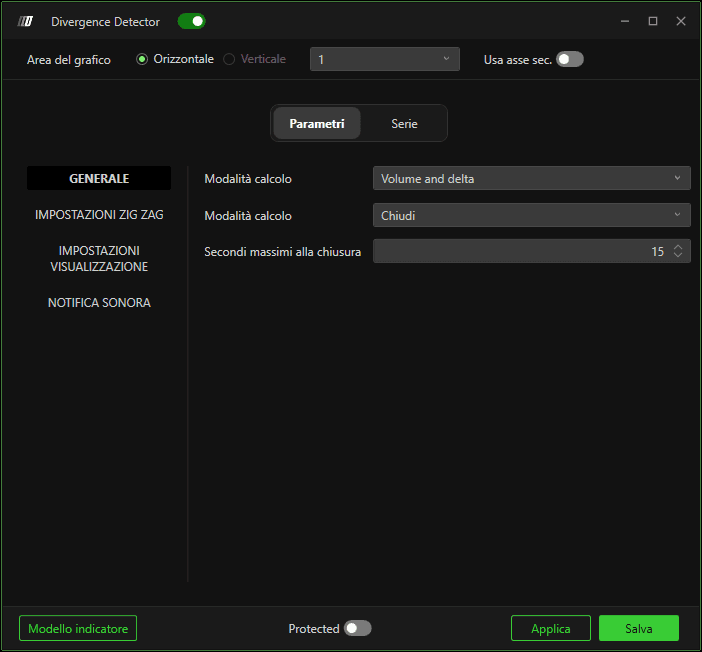
Modalità di calcolo (1)
Definisce quali divergenze visualizzare.
1. Volume
Mostra solo la divergenza di volume tramite la VD (Divergenza di volume).
2. Delta
Mostra solo la divergenza di delta tramite la DV (Divergenza di delta).
3. Volume e delta
Mostra sia le divergenze di volume sia quelle di delta tramite l'etichetta VDD (Divergenza volume-delta), quest'ultima la divergenza più significativa.

Modalità di calcolo (2)
Definisce la modalità di calcolo:
1. Tick
Calcola la divergenza alla rottura del precedente punto tick di massimo o minimo.
2. Inversione tick
Calcola la divergenza a un certo numero di secondi dalla chiusura della candela.
3. Chiusura
Calcola la divergenza alla chiusura della candela.
Secondi massimi alla chiusura
Definisce il numero massimo di secondi nella modalità di calcolo Sec. alla chiusura.
Impostazioni Zig Zag
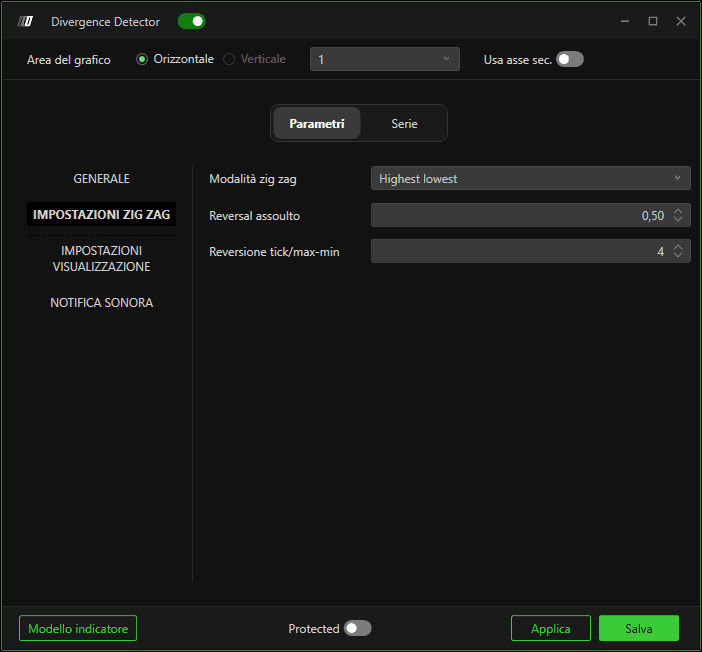
Modalità Zig Zag
L'indicatore Divergence Detector per l'individuazione dei punti di swing si basa sullo Zig Zag, che può essere impostato in diversi modi:
1. Inversione assoluta
Usa un valore di inversione del prezzo fisso per determinare uno swing. Richiede un movimento di prezzo sufficiente nella direzione opposta rispetto al trend attuale per determinare l'inversione e identificare un nuovo swing.
2. Inversione tick
L'inversione è basata sui tick, consentendoti di definire un numero minimo di tick di movimento per generare un'inversione.
3. Massimo/minimo
L'inversione si basa sulla differenza in tick tra il massimo e il minimo dello swing.
Inversione assoluta
Definisce il parametro della modalità di inversione assoluta.
Inversione tick/Massimo-minimo
Definisce il parametro per le modalità Inversione tick e Massimo/minimo.
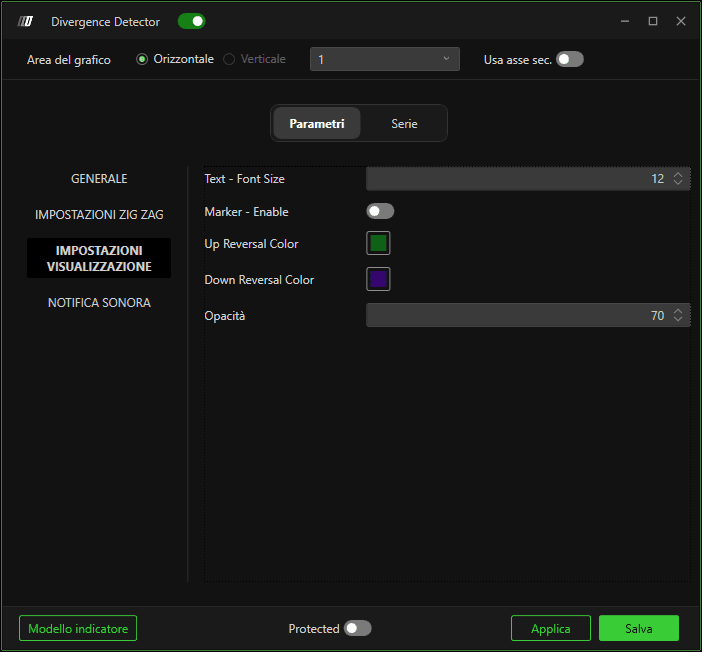
Impostazioni del grafico
Ti consente di modificare la dimensione del testo e la distanza in tick dal massimo o minimo della candela su cui verrà tracciata l'etichetta fornita dall'indicatore.
Suono di alert
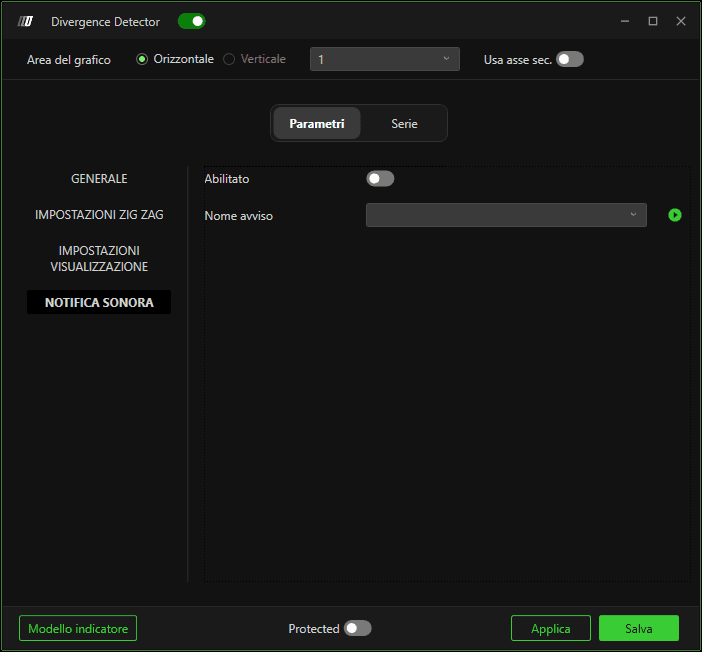
Consente di abilitare una notifica sonora.
Subgrafici
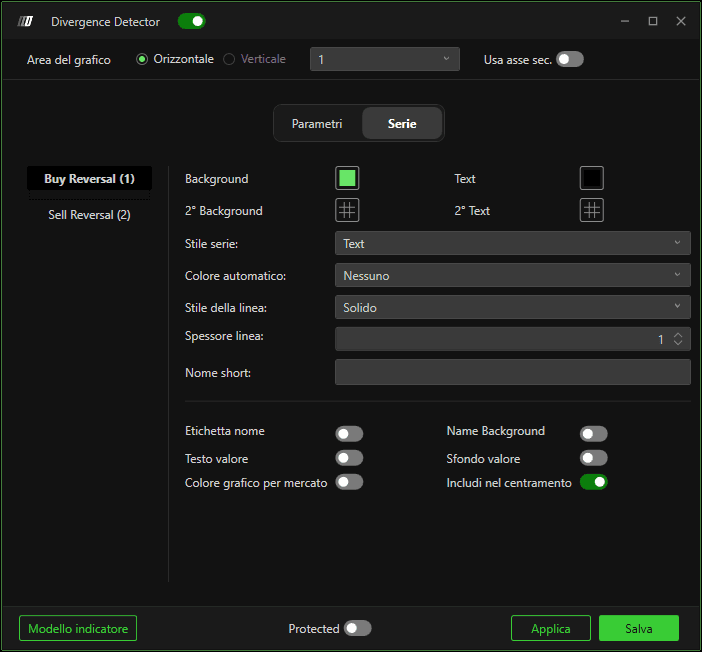
In questa sezione sarà possibile modificare il colore di sfondo e il colore del testo delle etichette.
