Updated:
Settings Imbalance
% Min. Imbalance
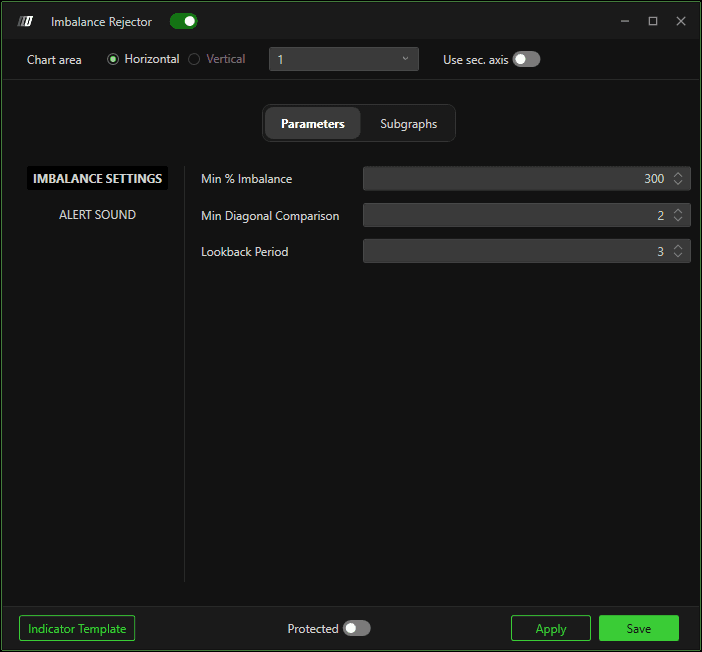
Defines the minimum percentage of imbalance that there must be in the highs for bearish candles or the lows for bullish candles.
Minimum Diagonal Comparison
Defines the diagonal comparison minimum where to look for an imbalance. Specifically, if 1 is entered as a parameter, the indicator will search for imbalances by comparing the last tick in Ask with the second-to-last tick in Bid in bearish bars and the last tick in Bid with the second-to-last tick in Ask in bullish bars.
If you enter 2, in addition to the previous comparisons, you will also compare the second-to-last tick in Ask with the third-to-last tick in Bid in bearish bars and the second-to-last tick in Bid with the third-to-last tick in Ask in bullish bars, and so on.
Lookback Period
Defines the number of bars there must be to the left to qualify the high or low of a candle as a swing point.
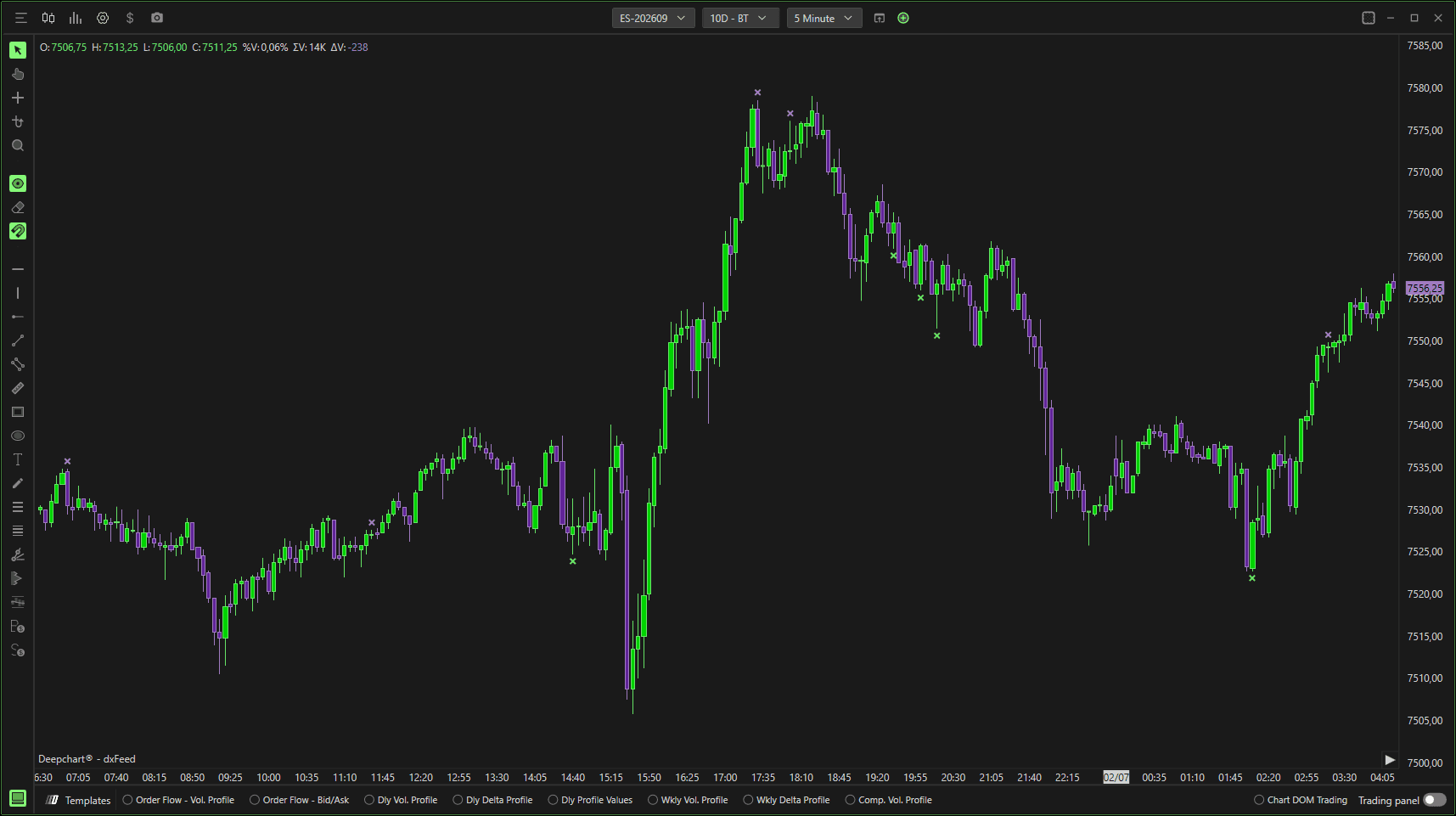
It goes without saying that the shorter the search period, the more there is the probability of having markers provided by the indicator with the risk of incurring less resilient signals. Conversely, if you increase the search period, the markers provided by the indicator will be gradually lower. The same consideration can be made if the previous conditions are changed.
Tick Offset
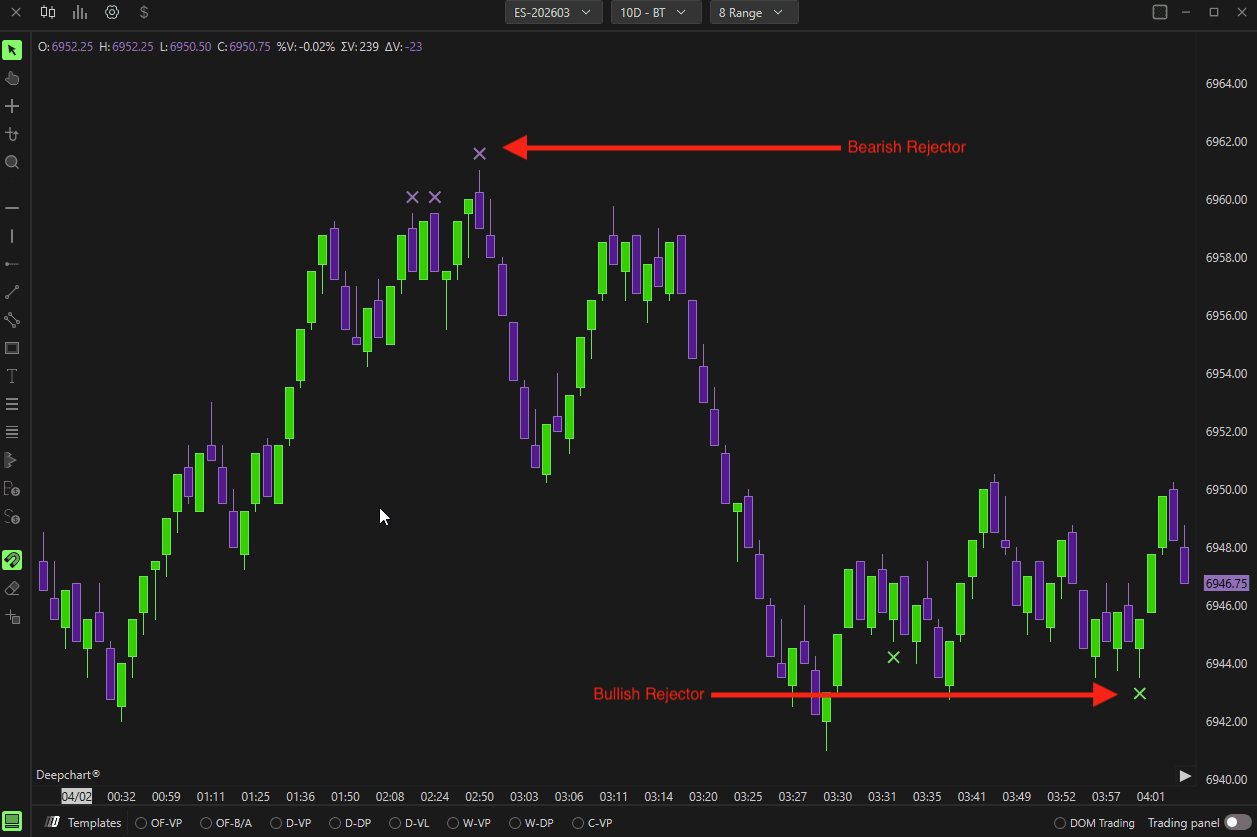
Defines the number of ticks away from the maximum/minimum where the marker is plotted.
Subgraphs
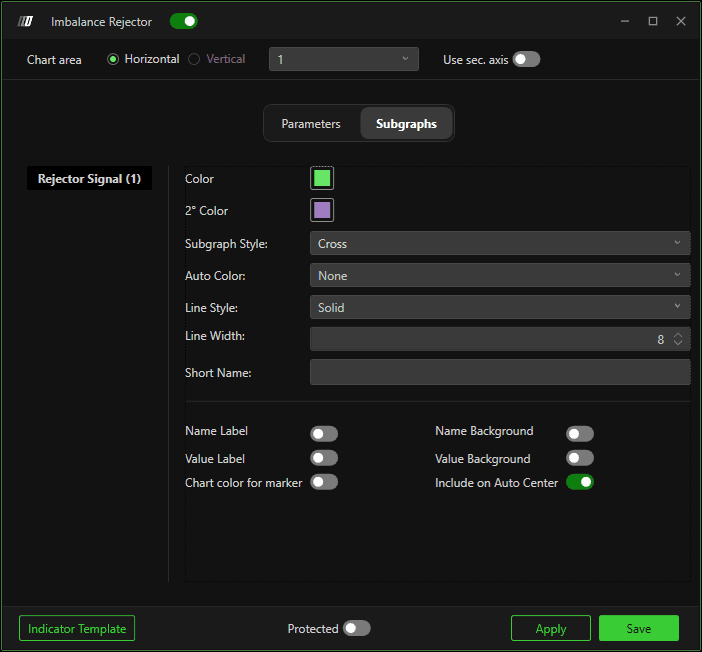
In this section it is possible to change the color of the marker, differentiating between bullish and bearish signals. You can also change the type of marker, choosing between square, circle, diamond, triangle, and cross, as well as the thickness of the same.