Updated:
Panoramica
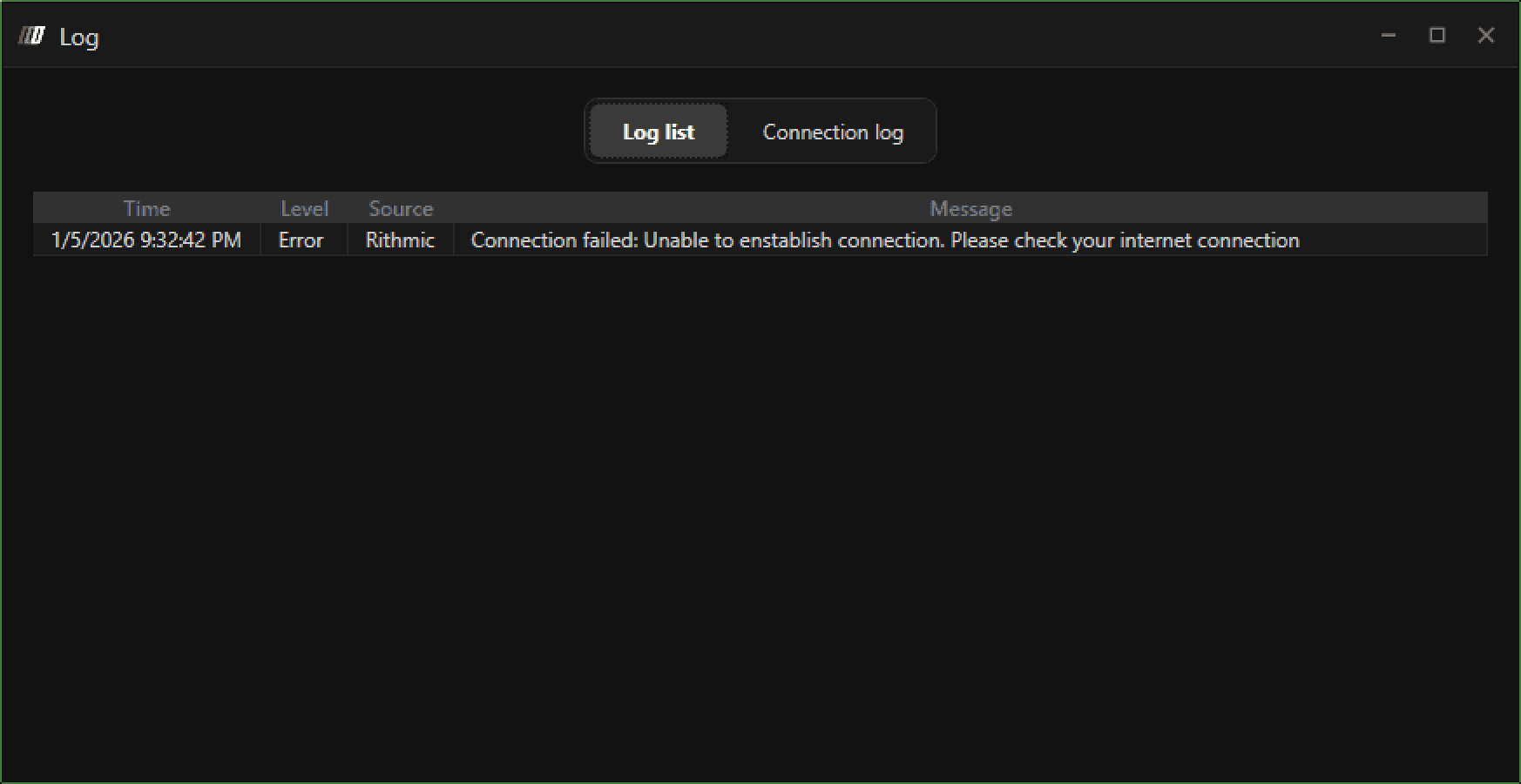
Questo errore indica che DeepChart non è in grado di stabilire una connessione stabile al flusso dati. Il problema può verificarsi a causa di restrizioni di rete, componenti di sistema mancanti o incompatibilità della lingua/area geografica di Windows.

Possibili cause
Causa 1: Connettività Internet o utilizzo di VPN
Connessione Internet lenta o instabile
Servizi VPN o proxy che bloccano o reindirizzano il traffico del flusso dati
Causa 2: Microsoft Visual C++ Redistributable mancanti o obsoleti
DeepChart richiede il Microsoft Visual C++ Redistributable supportato più recente
Versioni mancanti o obsolete possono impedire all'applicazione di connettersi correttamente
Causa 3: Lingua o area geografica di Windows non impostata su English
La lingua di sistema o i formati regionali non in inglese possono causare problemi di connessione e analisi
Questa è una causa nota dei fallimenti di inizializzazione del feed
Soluzione 1: Verifica la connessione Internet e disattiva la VPN
Verifica che la tua connessione Internet sia stabile e veloce
Se stai usando una VPN, disconnettila
Chiudi DeepChart
Riapri DeepChart e prova a connetterti di nuovo
Se il problema persiste, passa alla Soluzione 2.
Soluzione 2: Installa l'ultima versione di Microsoft Visual C++ Redistributable
Scarica e installa i Redistributable Visual C++ supportati più recenti in base all'architettura del tuo sistema.
Se non sai quale processore usa il tuo sistema, installa entrambe le versioni X86 e X64.
Architettura | Link per il download | Note |
|---|---|---|
ARM64 | Ultima versione ARM64 supportata | |
X86 (32 bit) | Richiesto anche su alcuni sistemi a 64 bit | |
X64 (64 bit) | Standard per la maggior parte dei PC moderni |
Dopo l'installazione:
Riavvia il computer
Avvia DeepChart
Prova a connetterti di nuovo
Soluzione 3: Modifica le impostazioni di lingua e area geografica di Windows
Passaggio 1: Imposta la lingua di Windows su English
Vai su Impostazioni di Windows → Ora e lingua → Lingua
Imposta la lingua di visualizzazione di Windows su English
Passaggio 2: Imposta la regione su Stati Uniti (o su una regione basata sull'inglese)
Vai su Impostazioni di Windows → Ora e lingua → Regione
Imposta Paese o area geografica su Stati Uniti (o su un'altra regione supportata in inglese)
Passaggio 3: Riavvia il PC
Riavvia il computer
Apri DeepChart
Connetti il flusso dati
Apri un grafico
Guida ufficiale Microsoft
Per istruzioni dettagliate, fai riferimento alla documentazione ufficiale di Microsoft:
Note importanti
L'uso della VPN è una causa comune di questo errore
I Redistributable Visual C++ sono dipendenze di sistema obbligatorie
La lingua di Windows e la formattazione regionale devono essere compatibili con l'inglese
Riavvia sempre il PC dopo aver apportato modifiche al sistema
Suggerimenti per la prevenzione
Evita di usare VPN أثناء l'esecuzione di DeepChart
Mantieni aggiornati i Redistributable Visual C++
Usa la lingua e la regione di sistema English (US)
Mantieni una connessione Internet stabile
